Minutes per asset, down to one Enter.
01Zero downloads
Download, unzip, rename, import — every single time. Here it's one Enter, and it lands ready.
See the library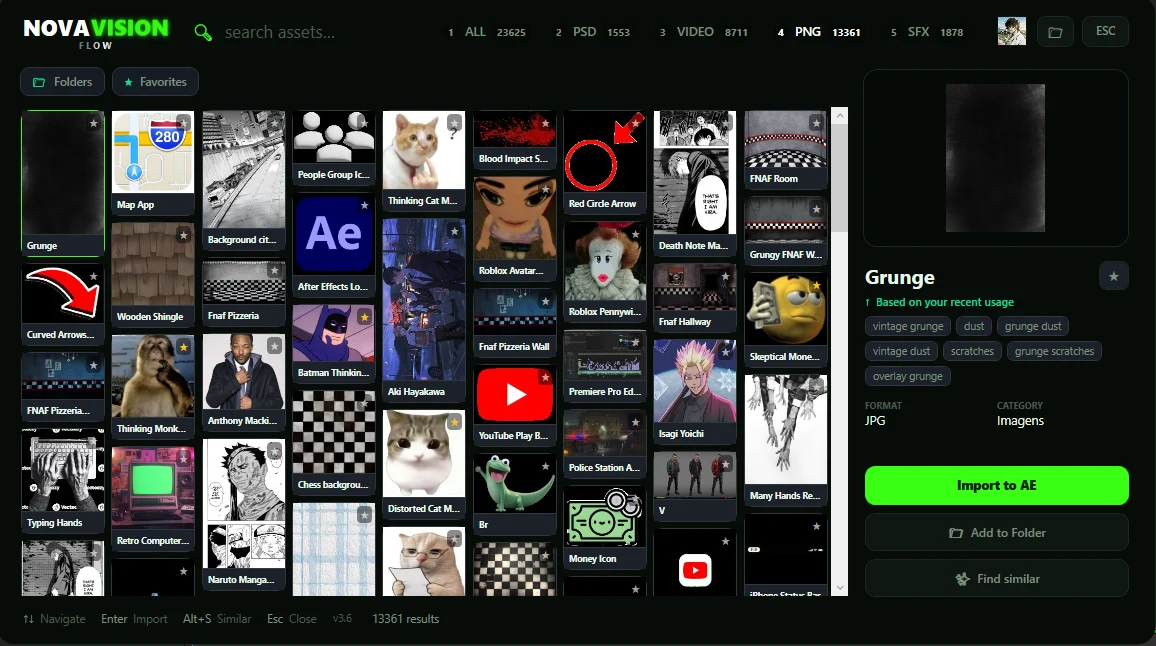
Stop wasting time hunting for assets
Every minute lost on Pinterest is a minute not spent editing. No more opening 30 tabs, downloading random files and rebuilding your library every time you start a project.
With NovaVision Flow, find the asset and drag it straight into your timeline. Without breaking your flow.
Works with
0+
assets ready to import
0+
creators on NovaVision
100GB
of pack folders on your SSD
Download, unzip, rename, import — every single time. Here it's one Enter, and it lands ready.
See the libraryFor You learns from what you import and upload, and shows the next asset before you type. Pinterest, inside your timeline.
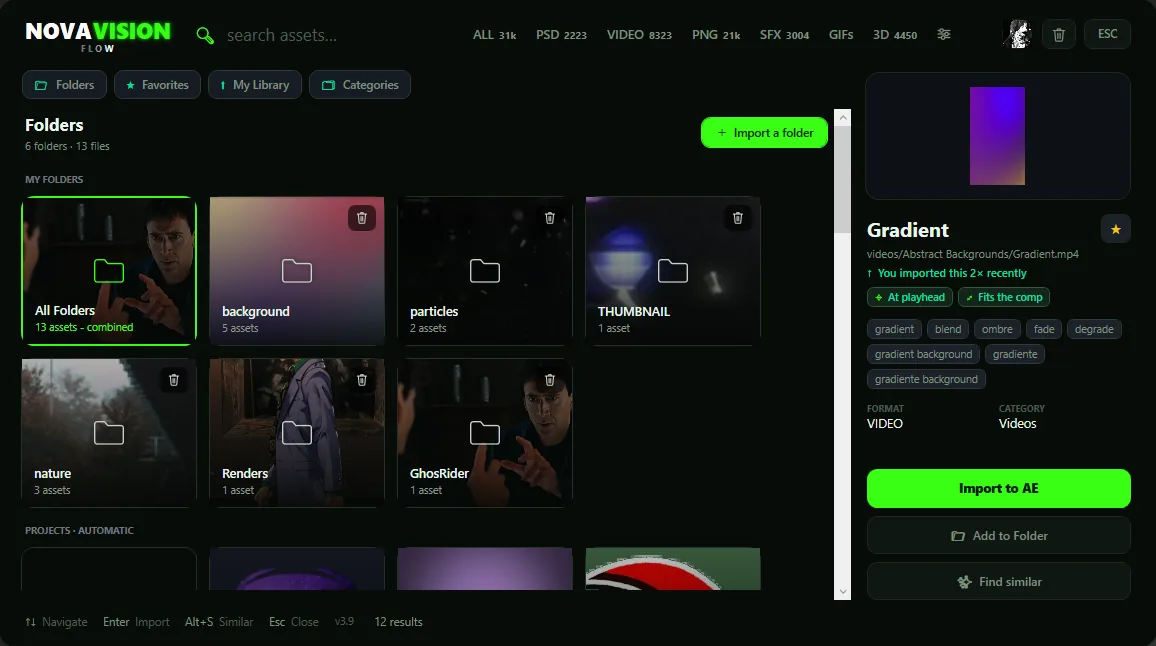
Folders by client, project or style, right in the panel — or import the ones on your drive. The ones you create sync to your account.
Quick Search
Ctrl + E opens search over After Effects or Premiere. Hit Enter and it's gone.
Change the key or use your mouse's side button.
Five chores that eat your time, handled without leaving the timeline.
Right-click a visual, pick Suggest SFX: the matching sounds line up.
No pack folders eating your drive. The library stays in the cloud.
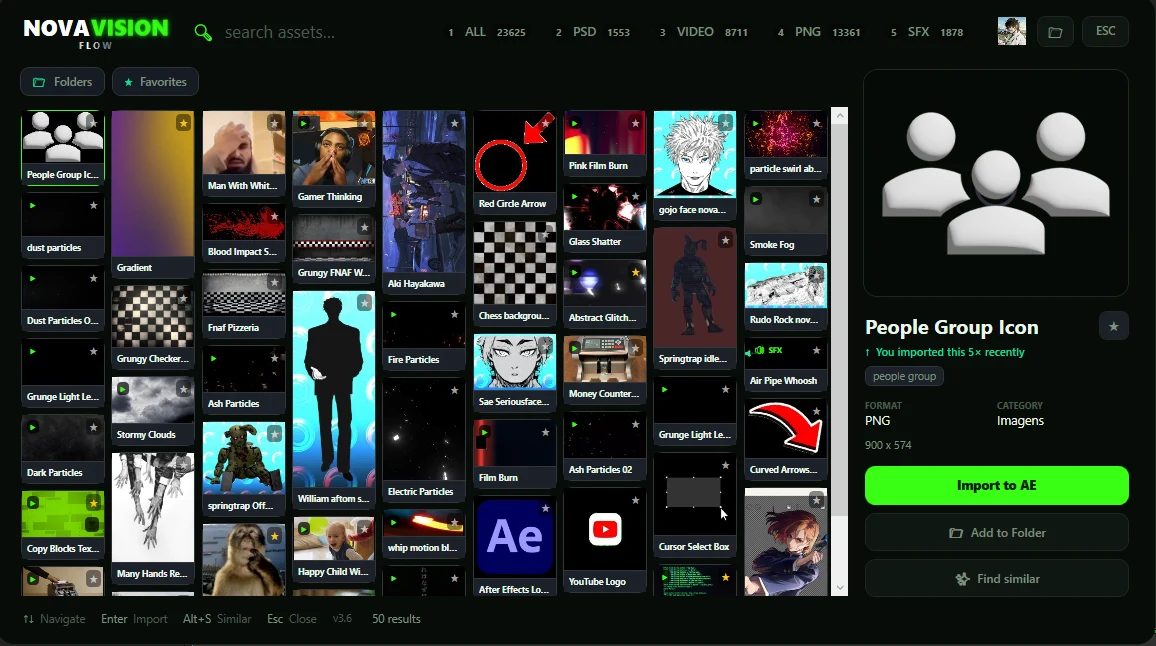
Found one that almost works? Alt+S brings up the ones that look like it.
By kind, client or project. Folders sync to your account.
At the playhead, fitted to the comp, blended or snapped to the cut — with its SFX along.
Stop wasting time hunting for assets.
Everything organized in one library, ready to find and use in your next edit.
Favorites, folders and recents, the same in After Effects and Premiere Pro.
Layered PSDs, overlays, transitions, stock footage, icons, SFX, 3D and GIFs.
Search less. Create more.
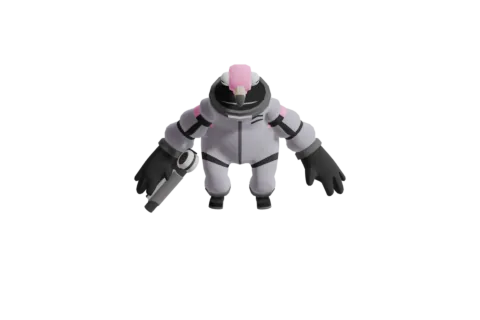
Layered characters, ready to animate.
Smoke, particles, glitch and film burn, ready for the cut.
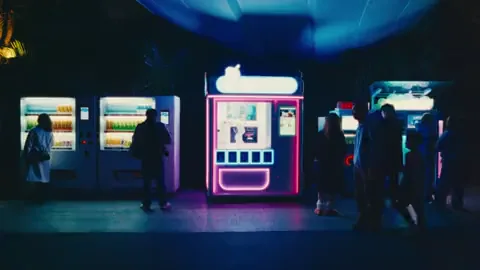
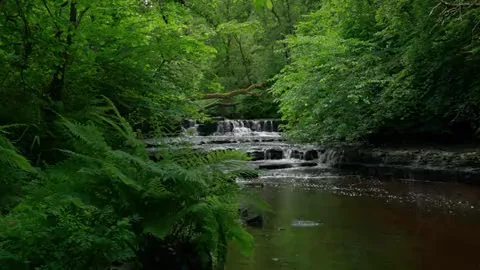
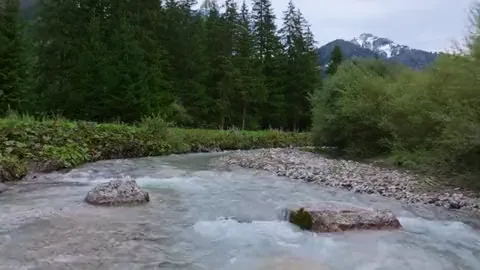
Real footage of cities, nature, sky and people for your edit.
Logos, artwork, textures, HUD and UI pieces.
Flat, interface, pixel art and 3D icons, ready for the timeline.
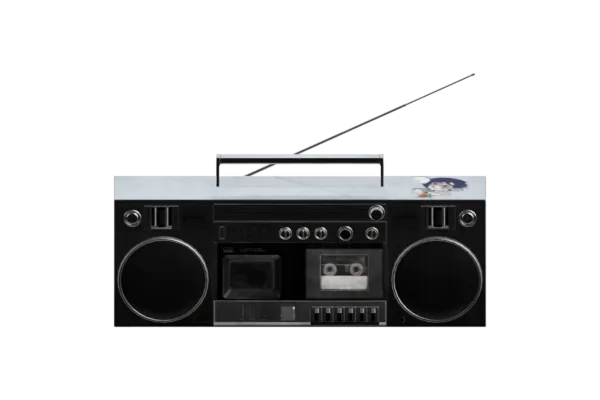
Whooshes, impacts and glitches, waveform in the list.
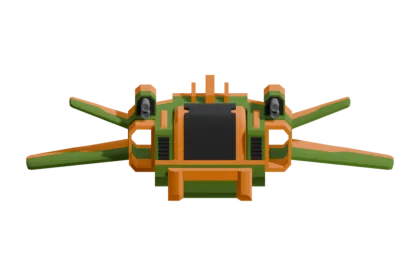
Realistic and low-poly, as a 3D layer or for Element 3D.
Search GIPHY inside the plugin. Imports as mp4.
From anime to documentary, what each style needs is already in the library.
How much time and money have you spent on packs you used once?
Both include After Effects, Premiere Pro and the web.
Start today, pay month to month.
The best value for people who edit every day.
$11.99
$95.00 billed once a year
Save ~34% — like 4 months free every year
Questions
No. The library lives in the cloud, and you import only what you use, when you use it.
Flow is built for people who work in editing, motion and digital content, inside After Effects and Premiere Pro.
That is exactly where Flow starts to make sense. Instead of growing your folders even more, bring it all together: upload your packs once and they answer the same search as the library.
A search panel for After Effects and Premiere Pro. Press Ctrl + E, type what you need, hit Enter, and the asset lands in your timeline. The library holds layered PSDs, PNG overlays, video elements and sound effects, and you never leave the app to get them.
Yes. One plan covers both plugins, with nothing extra to buy.
Yes. Commercial use is included, with no per-project licence to track.
Select it and press Enter, or click Import to AE (Import to Pr in Premiere). It lands in the project named and placed — there is no download, no unzip and no import dialog.
Yes. The panel has Folders and Favorites, it marks what you have imported recently, and Alt + S finds assets similar to the one you are looking at.
To search and import, yes. Anything already imported sits in your project like any other file.





 Save

 Light Streaks



 Blue Sunburst Rays
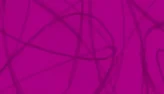
 Blue Scribble
 Doodle Scribble Chroma Key
 Yellow Orange Sunburst
 Red Scribble
 Electric Particles
 Comic Radial Burst
 Grey Spiral Swirl
 Scribble Chroma Key
 Orange Swirl Halftone
 Yellow Scribble



 gojo expansion 1 nova vision novavision
 isagi e kaiser
 Sae Pose novavision




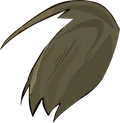
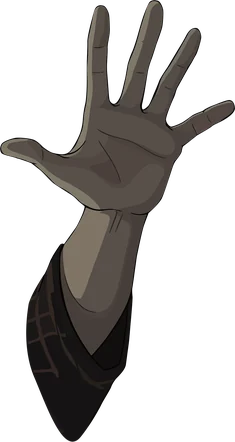


 Satoru gojo hands
 Smoke
 Gojo Satoru Falling
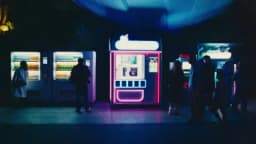
 Night City Traffic
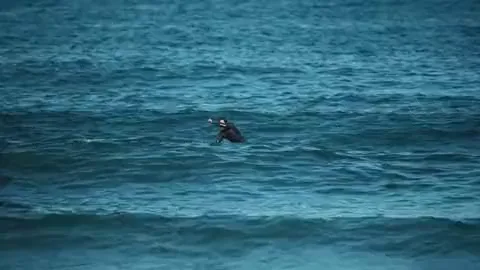
 Paddleboarder Surfing Ocean Wave
 Highway Sunset Drive




 After Effects Logo



 School Supplies Flat Icons
 Folder Icon
 Office Desk Flat Icon





 Will Ferrell Reaction GIF